
Free SEO Analysis Tool: A Step-by-Step Checklist That Tells You What to Do After Sign-Up
Weekerp's new dashboard brings AI and search traffic into one screen, and a 7-step Getting started guide always shows you the one thing to do next.
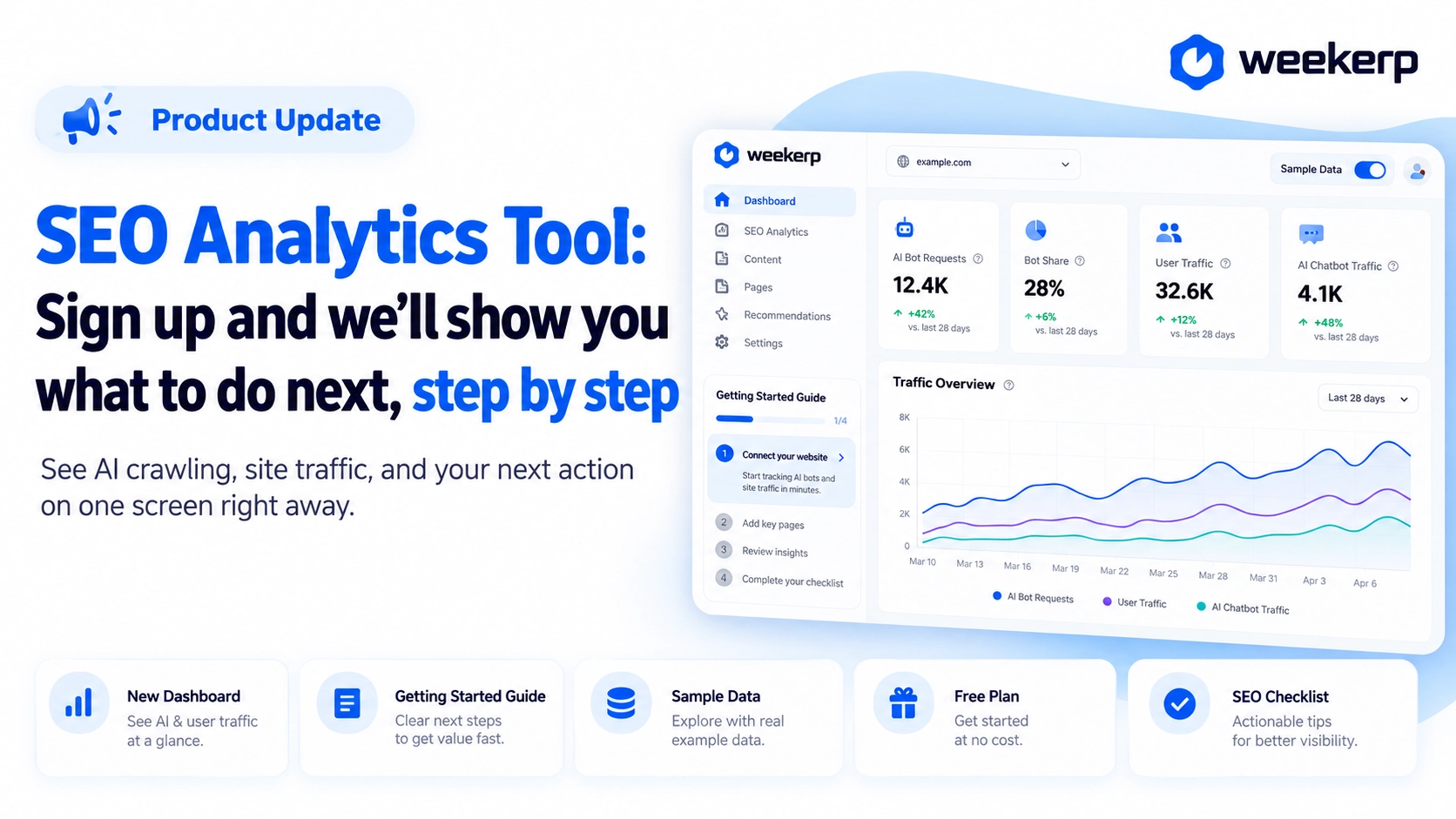
Weekerp, the SEO analysis tool you can start for free, now has a Getting started guide that walks you through what to do after sign-up, plus a brand-new dashboard. The moment you log in, you can see how much AI reads your site and whether that turns into real visits, all on one screen. Not sure where to begin? We'll tell you. :)
What we had in mind when we built it
-
We cut sign-up questions down to two. We only ask how you heard about Weekerp and whether you have a website running right now. Everything else gets sensible defaults, so you can look around or connect your site right away.
-
We show the one next step, not a to-do list. Seeing seven tasks at once actually makes it harder to decide where to start. So the sidebar card shows just the next step and one line on what you get from it.
-
No empty screens, even before you have data. Until you connect a site, screens are filled with sample data. You can see what numbers you'll get before you decide to connect.
Who it's for
-
You're looking for a free SEO analysis tool or website analysis tool to try out
-
You want to know whether AI like ChatGPT reads your site, and whether that leads to visits
-
You're starting SEO and need an order to follow (an SEO checklist)
-
You want to see what the screens look like before you connect your site
What's included
Here's what's waiting for you after you sign up.
-
New dashboard: The top row shows four key metrics (AI bot requests, Bot share, User inflow, AI chatbot inflows) and Why AI read your site. It gathers just the top few rows of the Analytics cards, and View all in Analytics takes you straight to the rest.
-
Getting started: A card at the bottom of the sidebar tells you the one step to do next. Click it to open the full 7-step list and jump to any step. Once you've finished everything, the card goes away.
-
Sample data: If no site is connected, the dashboard, Analytics, and your blog post list are filled with sample data. Turn it off with the Sample data switch at the top right, and a guide card appears showing what you get from that screen, with a Connect a site button.
-
Free plan: Start without a credit card and try optimization, analytics, and blog features within the monthly base allowance. Commercial use isn't allowed, so if you run a real business site, we recommend the Pro plan.
How to use: follow the 7-step Getting started guide like an SEO checklist
After you sign up, answer two quick questions and choose either Take a look around or Start connecting a site. From there, just follow the 7 steps in the sidebar's Getting started guide. The order isn't enforced, so feel free to start with whichever step you need.
-
Connect your site: Connect your domain to make your site easy for search and AI to find. If your site runs on Cafe24 or imweb (popular Korean website builders), see Cafe24 and imweb SEO and GEO setup.
-
Create a blog · Write your first post: Open a blog under your own site's domain and write your first post. For details, see Weekerp Blog launch.
-
Check analytics: See which AI reads your site and which posts bring in visitors. We covered this in detail in AI crawl analytics.
-
Read the docs · Need help?: If you get stuck, skim the docs for each feature or reach out anytime. To see what your current plan includes, go to Check your subscription.
Just sign up and Weekerp will tell you what to do next. Start for free and analyze your site.