
Add a Blog to Your Website: Weekerp Blog Is Live, Built for SEO and AI Search
We've launched an SEO and GEO blog designed to get you found in search and cited by AI. Write with AI and run every language from one place.
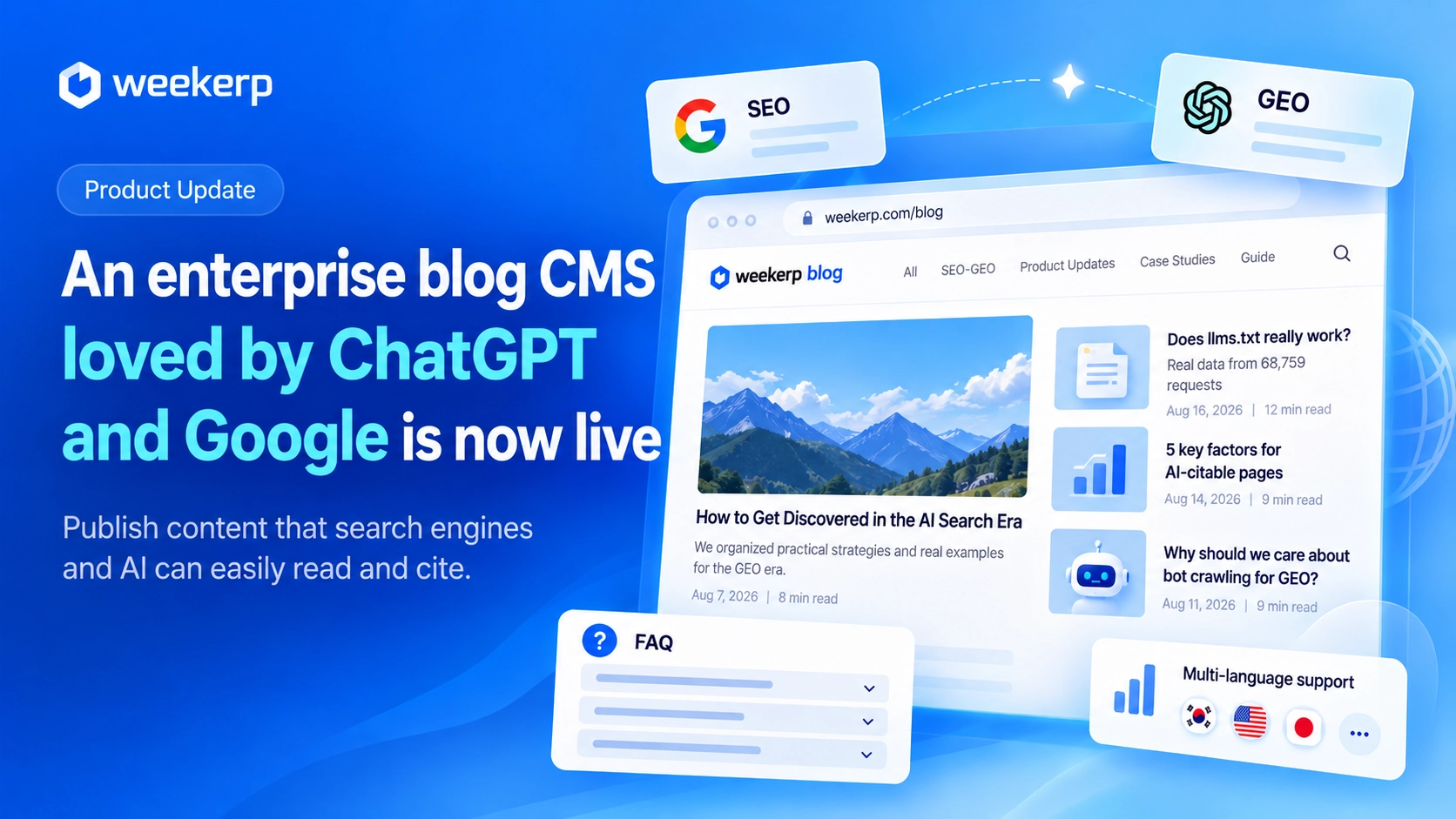
We've launched Weekerp Blog, an SEO- and GEO-ready blog that lives right under your own website's domain. Every post is published in a form that search engines and AI can read easily. Now you can focus on writing great content. We'll take care of the rest. :)
What we had in mind when we built it
-
Everything is designed for SEO and GEO. We built the blog system around the structure that's easiest to rank and most likely to be cited by AI. Technical SEO and GEO come fully set up.
-
We cut the busywork so writing is easy. Every single post used to need keywords, a thumbnail, and so much more. Writing alongside AI takes the load off, and it's easy to reuse settings you already have, like UTMs and CTAs.
-
We built in fine-grained control. Everything can be set up automatically, but almost every feature can also be configured by hand when you need it. It works for companies where customization matters.
-
Full multilingual support. Weekerp itself runs on this blog, and we serve customers in the US and Japan too. That means we run English and Japanese blogs as well, so we built a complete setup for global companies: translations, multilingual posts, links between a post and its translations, per-language authors, sitemaps, and more.
Who it's for
-
You're looking for a blog CMS to publish SEO and GEO content consistently
-
Your company blog sits on a different domain, so your posts don't help your website show up in search
-
You write regularly, but your brand rarely shows up in search results or ChatGPT answers
-
It's hard to ask a developer every time you want to set up a blog
What's included
Just write. Everything you need for search and AI visibility comes with it.
-
A blog under your domain: Subdirectory setup is supported, like weekerp.com/en/blog. The more you publish, the stronger your whole website gets in search.
-
Posts AI can read right away: Posts go out as fully rendered pages, so AI crawlers can read the content as is. To give AI more to quote, we also stripped out unnecessary styling and raised the share of actual text on the page.
-
FAQ sections: We built FAQs in a format that's fully GEO-compatible. They're automatically turned into structured data that search engines and AI recognize.
-
Buttons that drive inquiries: Add conversion buttons naturally throughout your posts. On the Weekerp blog, for example, a call-to-action appears once a reader is 80% through a post. You can set it up however you like. We've also prepared everything so you can easily see in Google Analytics which post each click came from.
-
Table of contents, related posts, author bio: Heading tags like h1, h2, and h3 that show the structure of your post are fully supported, and a table of contents is built automatically from your headings.
-
Sitemap and RSS: Each new post is added to your sitemap (the list search engines use to find new pages) automatically.
-
Multiple languages: Pick from 14 languages, including English, Korean, and Japanese, and publish posts in each.
-
Easy to add, no developer needed: We made it easy to set up even if you don't code.
How to get started
Your website needs to be connected to Weekerp first. Then go to Blog in the left menu and click Start the blog to walk through four steps.
-
Language: Pick your blog's default language.
-
Address: Confirm the website your blog will live on. Weekerp sets the blog URL for you.
-
Name: Enter the blog name and a one-line description to show in search results.
-
Color: Choose a button color, and you're done. Your blog goes live within 5 minutes.
Next, write your first post in New post and hit Publish. You can also pick a date to schedule it.
No developer needed. Add a blog to your website today.