
Run Your Company Blog as a Team: Invite Members and Agencies with Role-Based Permissions
Invite teammates and agencies to your workspace and split permissions by role. Agencies can create a separate workspace for each client.
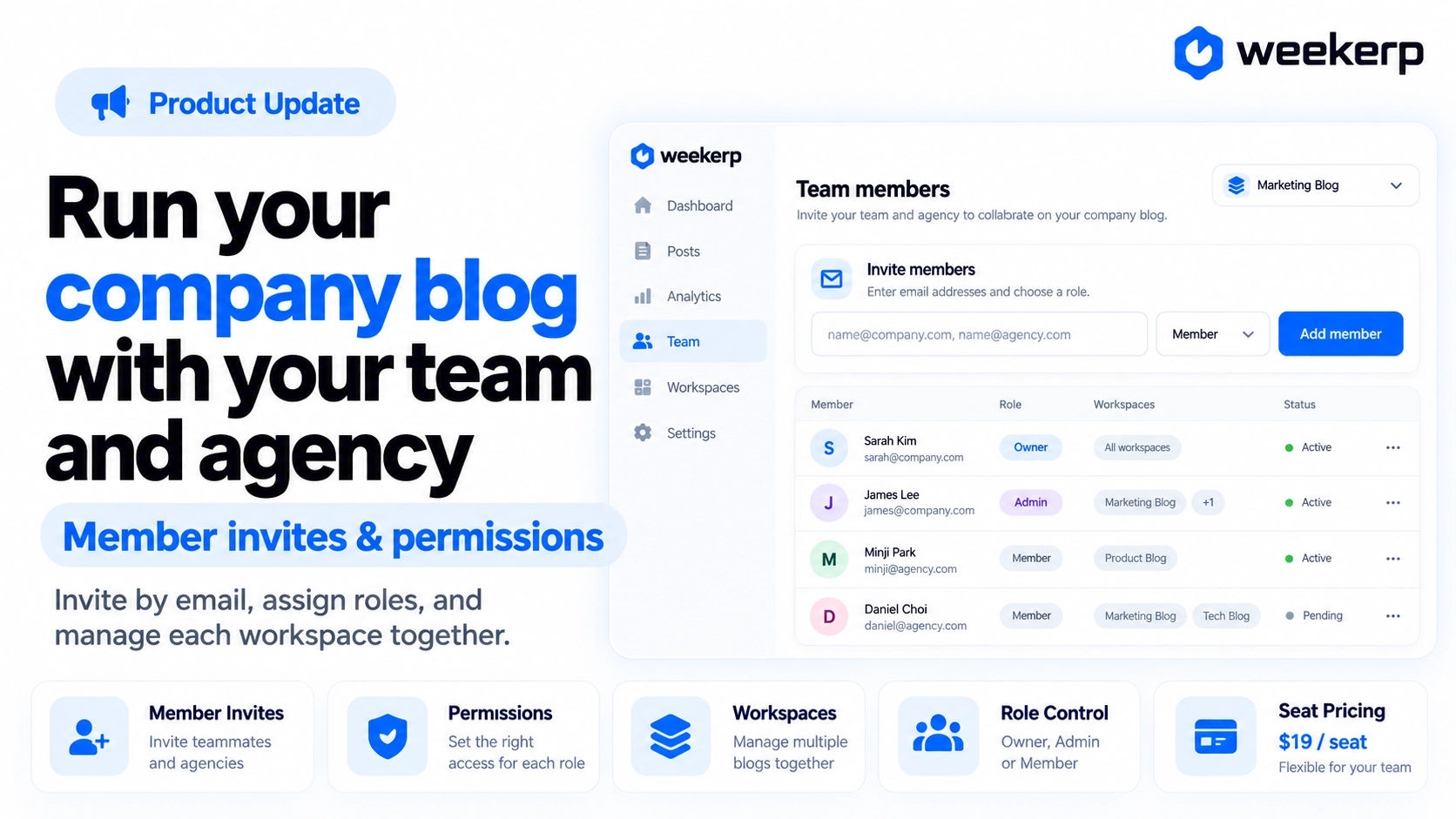
We've launched member invitations and role-based permissions so you can run your company blog together with your team and agencies. Bring someone in with just their email, and keep a separate workspace for each client. No more doing it all on your own. Run it together. :)
What we had in mind when we built it
-
A separate workspace for each client. Plenty of teams have several brands or handle work for clients. Sites, blogs, analytics, and members are separate for each workspace, so you only invite Client A's contact to Client A's workspace.
-
Sensitive tasks are split by role. Billing and member management should stay with the people responsible for them. If your role isn't enough for an action, Weekerp stops it before you click through and asks you to check with an owner or admin.
-
No surprise charges. Weekerp pricing is per member. That's why the screen shows whether a seat charge applies before you send an invitation.
Who it's for
-
Your marketing team runs the company blog with several people
-
You work with an agency on blog posts or SEO, but don't want to hand out your account password
-
You're an agency that wants to manage each client's blog and site separately
-
You want the whole team on board, but only certain people handling billing and members
What's included
All you need is an email address to bring in teammates and agencies.
-
Invite members by email: Enter an email address and click Add member to send an invitation. Invitation links stay valid for 7 days, and you can Resend or Cancel invitation for anyone who hasn't accepted yet.
-
Role-based permissions: There are three roles: Owner, Admin, and Member. Only owners and admins can change roles, remove members, and view charges, payment methods, and invoices. Only the owner can cancel the subscription.
-
Multiple workspaces: In the workspace list in the left menu, click Create a new workspace, give it a name, and it's ready. You can create up to 10 per account and switch between them right from the list.
-
Per-member pricing: Pricing is $19 per member per month, plus what you use. Pending invitations aren't billed, and if you already have a paid seat left over, a note under the invite field tells you there's no extra charge.
How to use
Invitations are available from the Pro plan.
-
Open Settings in the left menu and click Members.
-
Enter an email address under Invite members and click Add member.
-
Once the invitee accepts from the email, they appear in the Members list. Owners and admins can change their role to Admin or Member from their row.
Stop running your company blog alone. Bring in your team and agencies today.