
ChatGPT Blog Prompts: Get Meta Descriptions, Tags, and FAQs with One Click
Copy a ChatGPT blog prompt from the editor and get your post URL, tags, and FAQs suggested in one go. Analytics screens get an AI analysis prompt too.
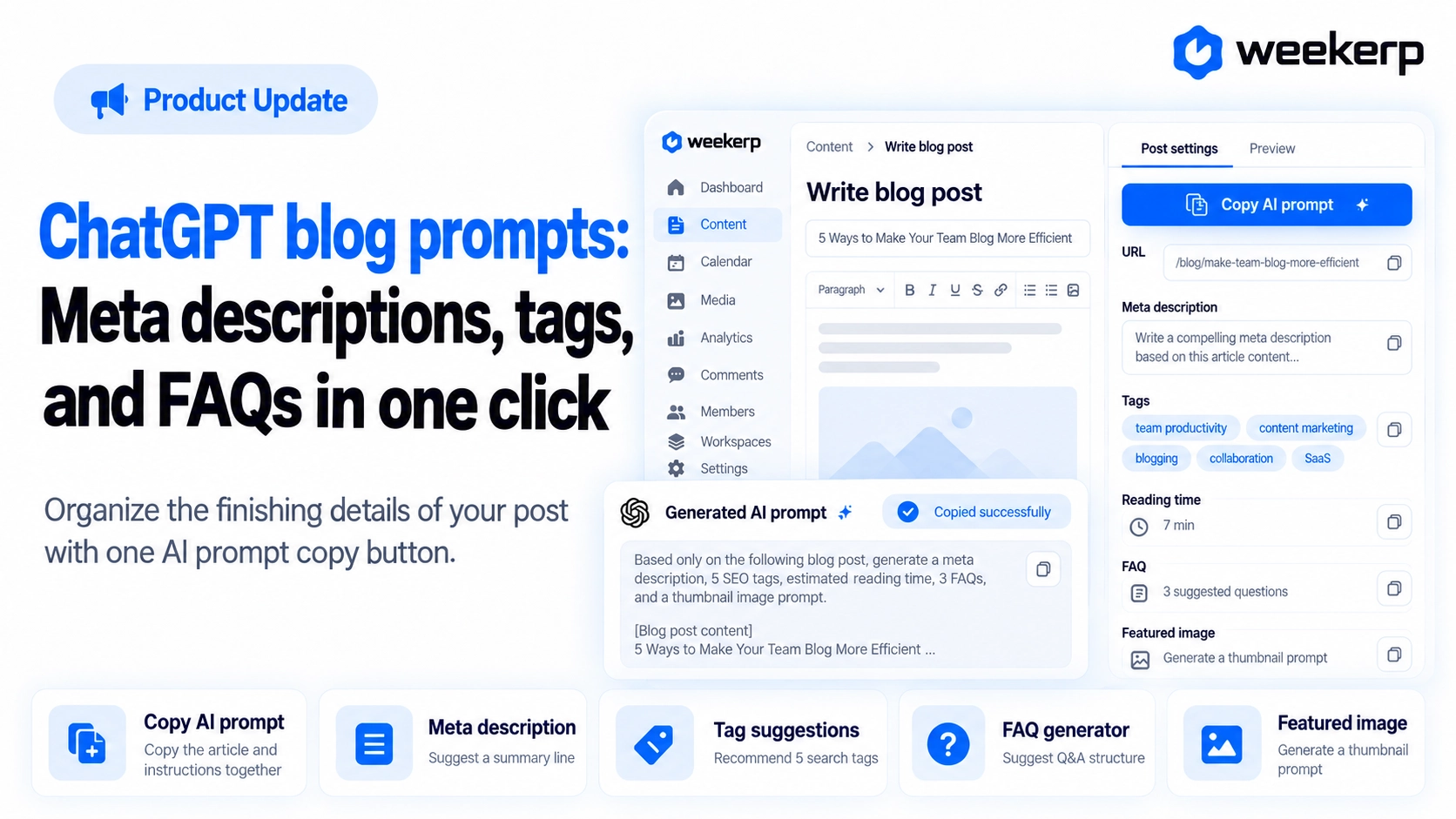
We've added a button to the Weekerp Blog editor that copies a ready-made ChatGPT blog prompt. One click copies your post along with instructions that ask for its address, tags, read time, and FAQs all at once. Now you can hand the small leftover fields to AI once your post is done. :)
What we had in mind when we built it
-
Use the AI you already use. We put your post and the instructions on your clipboard, and you paste them into ChatGPT or whatever AI chat you normally use. There's no new tool to learn.
-
You review what comes back before it goes in. A post's address can't be changed after publishing, and tags feed straight into search visibility. So nothing is overwritten automatically. You copy over only what you like.
-
Instructions that keep the AI from making things up. Answers are written only from what's in your post. If your post is under 200 characters, the button won't copy and asks you to finish writing first.
Who it's for
-
You've finished the post but keep getting stuck on the last fields: address, tags, FAQs
-
You write blog posts with AI, but rewriting a blog SEO prompt every time is a hassle
-
You look at your analytics but don't know what to do first
What's included
Each button copies your post's title, summary, and body together with the instructions.
-
Copy AI prompt in the settings panel: It sits at the top of the settings panel on the right side of the editor. Get the post address, 5 tags, read time, and 4 to 5 FAQs suggested all at once.
-
FAQ-only prompt: The Frequently asked questions section has its own Copy AI prompt button. In the JSON field, the questions go in the moment you paste the code. The same button also works in FAQ blocks you've placed in the body with
/faq. -
Cover image prompt: There's a button above the thumbnail too. Paste it into an image-capable AI, and it creates a 1200 × 630 image in your blog theme color. It follows the Weekerp blog's own thumbnail layout, so your posts look consistent side by side in the list.
-
Copy AI analysis prompt on analytics screens: You'll find it in the top right of every analytics screen. It packs the data on your current screen so the AI can point out what stands out and suggest next steps in order of priority.
How to use
-
Copy: Once you're done writing, click Copy AI prompt at the top of the settings panel on the right.
-
Paste: Paste it as is into ChatGPT or whatever AI chat you use.
-
Copy over: Enter the suggested address, tags, and read time into the matching fields in the settings panel.
-
Add FAQs: Paste the code you got into the JSON field of the FAQ section, and it goes straight in.
Let AI handle the finishing touches. Start your Weekerp blog today.